
If you publish online, you have probably wondered whether using an AI tool to help write a post could hurt how it appears in Google. Advice on this ranges from “never do it” to “it makes no difference.” Google’s own documentation is more specific than either.
This guide explains what Google says about AI-assisted content, where such content tends to go wrong, and a practical workflow for publishing it responsibly. The Google quotations below were checked on October 10, 2026. Google updates these pages, so use the source links before relying on any detail.
The short answer: using AI to help with a post does not automatically hurt your search performance, and it does not automatically protect it. Google’s guidance focuses on whether content helps people and whether pages are produced at scale without adding value. It does not focus on which tool touched the draft. Nothing here guarantees indexing, rankings or traffic; Google says meeting its requirements and practices “doesn’t mean that Google will crawl, index, or serve its content.”
How to read this article: statements attributed to Google come from its documentation. Sections marked “our suggestion” are editorial advice, not Google requirements.
What Google says about AI-generated content
AI is allowed as a tool
Google’s page on using generative AI content says: “Generative AI can be particularly useful when researching a topic, and to add structure to original content.” It also says to make sure your work “meets the standards of the Search Essentials” and Google’s spam policies.
So AI use is not treated as a violation in itself. What matters is the value of what ends up on the page.
Where the line is: scaled content abuse
The risk sits in Google’s spam policy on scaled content abuse. Google describes it as many pages generated “for the primary purpose of manipulating search rankings” and “not helping users.” It adds that this is typically focused on creating large amounts of unoriginal content that “provides little to no value to users, no matter how it’s created.”
Google’s examples, which it says “include, but aren’t limited to” these, include:
- using generative AI tools or similar tools to generate many pages without adding value for users;
- stitching or combining content from different web pages without adding value;
- scraping content and disguising it with automated changes such as synonymizing or translating, where little value is provided to users.
The test is purpose and value. The same policy would apply to a person mass-producing thin pages by hand.
What Google’s people-first guidance asks
Google’s guidance on helpful, reliable, people-first content gives publishers questions to ask about their own pages. A few that apply directly to AI-assisted writing:
- “Does the content provide original information, reporting, research, or analysis?”
- “Is this content written or reviewed by an expert or enthusiast who demonstrably knows the topic well?”
- “Does the content have any easily-verified factual errors?”
It also asks you to think about who, how and why. On how, it asks whether “the use of automation, including AI-generation,” is “self-evident to visitors through disclosures or in other ways.” On why, it says content should exist mainly to help the people who visit your site, not to manipulate rankings.
What the Quality Rater Guidelines add
Google’s AI content page also points to its Search Quality Rater Guidelines, which describe low-effort content as “main content created with little to no effort, little to no originality, and little to no added value.” Google is clear about how much weight this carries: the guidelines are used by raters, and “their ratings don’t directly influence ranking.” Treat them as a helpful description of what Google considers low-quality, not as a ranking formula.
Where AI-assisted posts tend to go wrong
Accuracy
Google explains that “generative models don’t retrieve facts, but predict a likely sequence of words based on their training data.” As a result, outputs “may contain inaccuracies (also known as hallucinations),” and Google calls it “critical to manually factcheck and review all AI-generated content.”
On a blog, that means any date, statistic, product feature or policy statement from an AI tool needs checking against a source you have actually opened.
Sameness
A post that restates what other pages already say gives readers no reason to choose it. This is our reading of Google’s questions about original information and added value, not a Google ranking rule. Still, it is a practical test: what does your page offer that the next result doesn’t?
Metadata
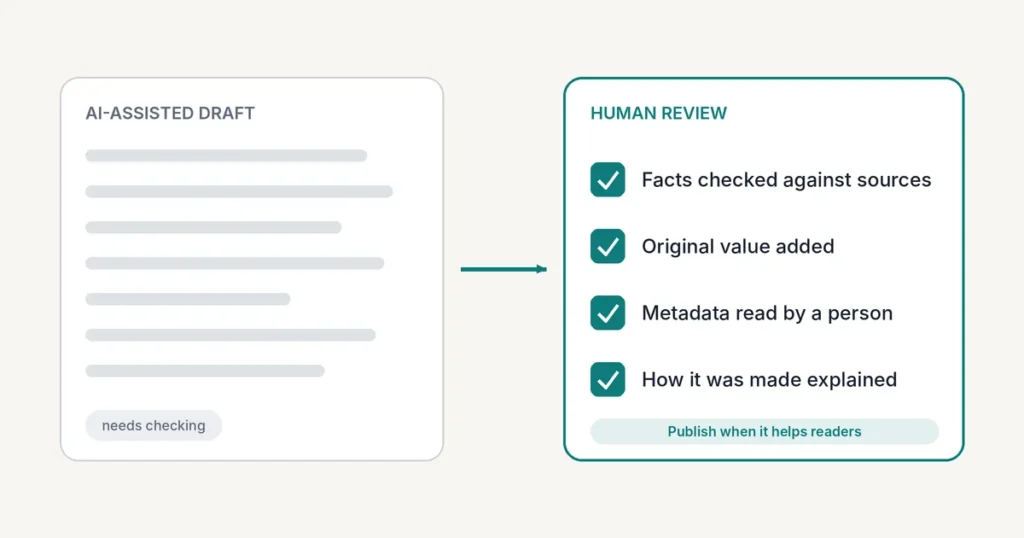
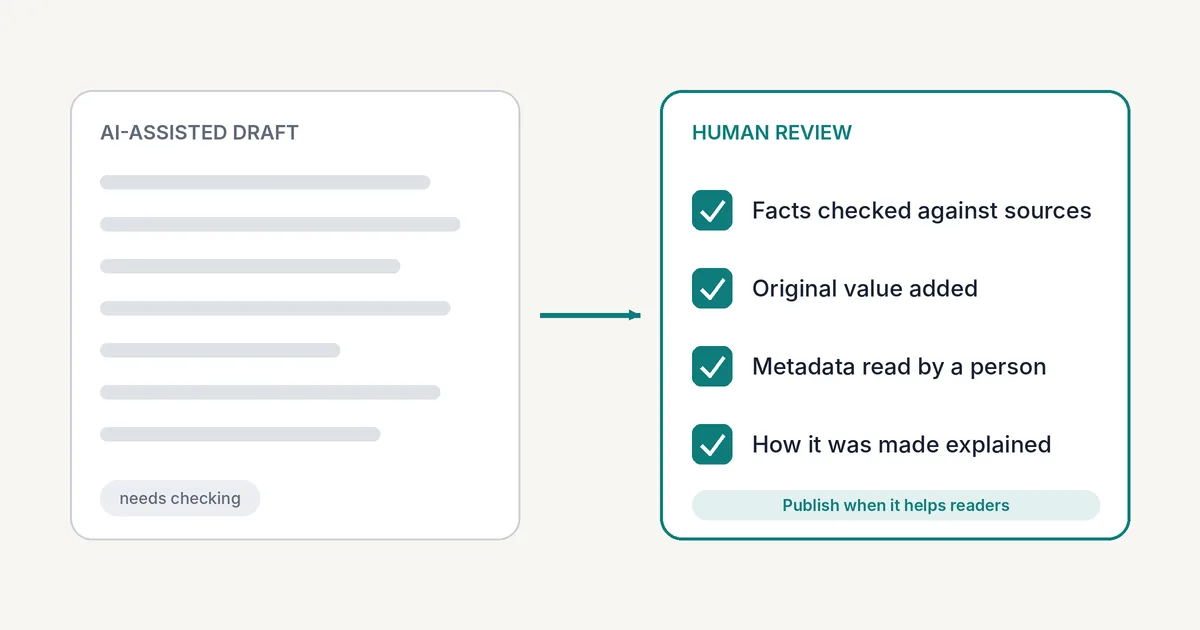
Google says the same review applies to title elements, meta descriptions, structured data and image alt text, because these can appear in Search results. If a tool wrote them, read them before they go live.
A safer workflow for AI-assisted posts (our suggestion)
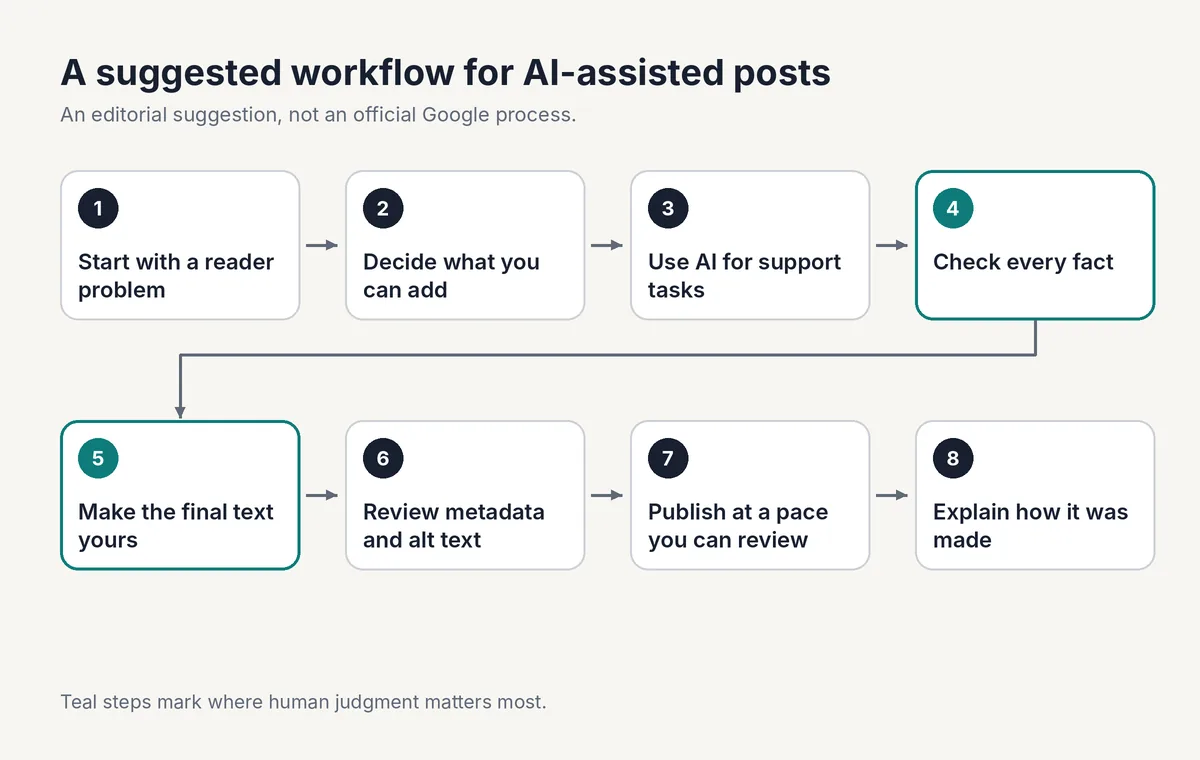
This workflow is an editorial suggestion informed by Google’s guidance. It is not an official Google process.
- Start with a reader problem. Decide who the post is for and what they should be able to do afterwards.
- Decide what you can add. Think of examples, data you gathered yourself, screenshots you take, or a comparison you carry out. If you have nothing to add, reconsider the post.
- Use AI for support tasks. Brainstorming, outlining and tightening your own wording fit Google’s description of AI as useful for research and structure.
- Check every fact. Trace each claim to an official or primary source you have opened. Remove what you cannot confirm. (Our guide on writing AI prompts has a section on verifying output before you use it.)
- Make the final text yours. Edit so the article reflects your judgment and your audience, not a generic summary.
- Review the metadata. Read the title tag, meta description and alt text yourself.
- Publish at a pace you can review. Avoid releasing batches of near-identical pages.
- Explain how the article was made. Google says “sharing information about how a piece of content was created can help give your readers more context.” You can do this with a short note on the page or a link to a policy that describes your process. OnlineHaqyar’s Editorial Policy describes how AI tools may be used here.
A quick illustration (hypothetical)
This example is invented to show the idea. It is not a real test, a real site or real results.
Imagine a post titled “Best note-taking apps for students.” In a weak version, someone asks a chatbot for ten apps and rewords the list. In a stronger version, the writer picks one audience, checks each app’s current features on the app’s own website, adds a comparison table and screenshots they took themselves, and states what they did and did not try. The second version gives readers something the first does not. That is the kind of added value Google’s questions point to.
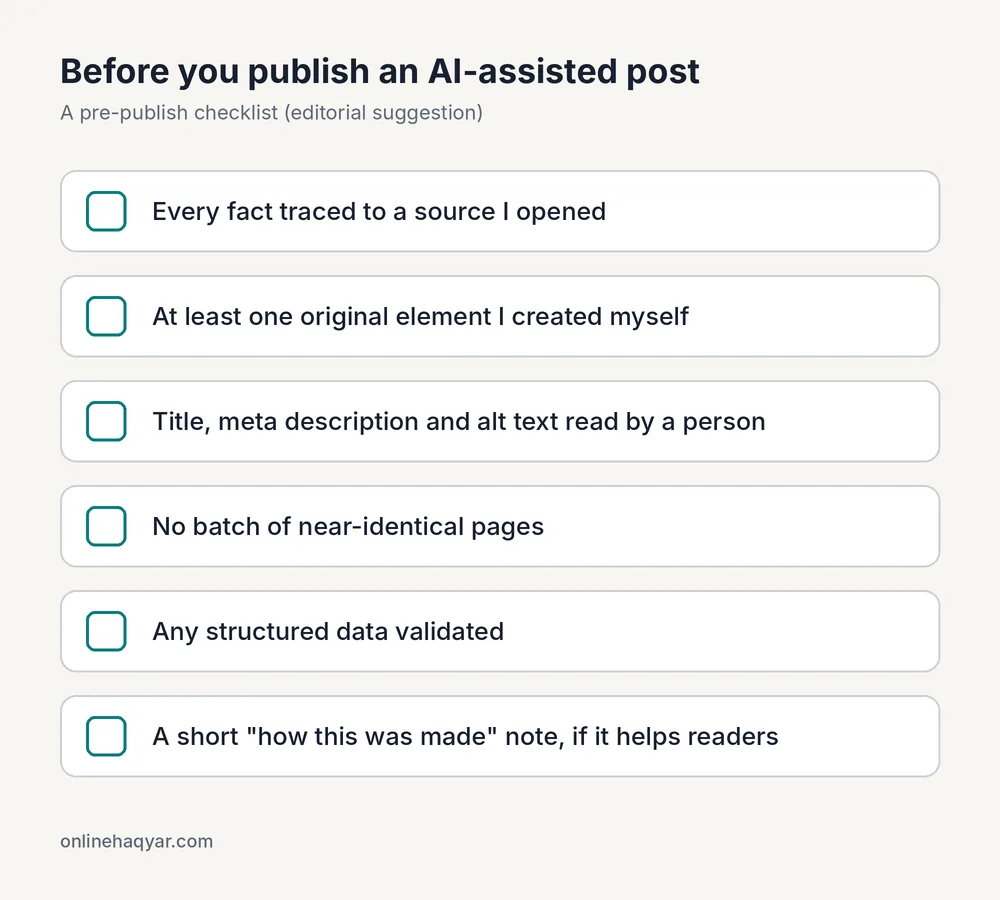
Pre-publish checklist for AI-assisted posts
- Every fact traced to a source you opened.
- At least one original element you actually created (an example, data, or your own screenshot).
- Title, meta description and alt text read by a person.
- No batch of near-duplicate pages.
- Any structured data validated.
- A short “how this was made” note, if it helps readers.
Frequently asked questions
Does Google penalize AI content?
Google’s guidance does not treat AI use on its own as a violation. It says that using generative AI tools “to generate many pages without adding value for users” may violate its scaled content abuse policy.
Do I have to label AI-assisted articles?
Google doesn’t set a labeling rule in the pages reviewed. It suggests explaining how content was created so readers have context, and its people-first guidance asks whether AI use is self-evident through disclosures or in other ways. Other legal, platform or employer requirements may apply and were not reviewed here.
Can AI write my meta description?
It can draft one. Review it first. Google says meta descriptions can appear in Search results, but snippets are “primarily created from the page content itself,” so a meta description is a suggestion Google may or may not use.
Do I need special markup or an llms.txt file to appear in AI Overviews or AI Mode?
Google says: “There are no additional requirements to appear in AI Overviews or AI Mode, nor other special optimizations necessary.” Standard SEO fundamentals apply, and it says no special markup or AI text files are needed.
Should I add FAQ schema to this post?
Not to get Google FAQ rich results. Google’s changelog says the feature “will no longer appear in Google Search starting May 7, 2026,” and its documentation was removed on June 15, 2026. You can keep the questions on the page for readers; just don’t expect a special search result from markup.
The bottom line
Treat AI as an assistant in your editorial process, not as the author. Publish fewer pages that you have checked and improved, add something readers cannot easily get elsewhere, and be open about how the content was made. If you can’t say what a page adds, that is a better warning sign than the tool you used.
Sources
Checked on October 10, 2026.
- Google Search Central, Using generative AI content (page last updated 2026-10-01 UTC)
- Google Search Central, Spam policies for Google web search (last updated 2026-08-28 UTC)
- Google Search Central, Creating helpful, reliable, people-first content (last updated 2026-10-05 UTC)
- Google Search Central, Google Search Essentials (last updated 2025-12-10 UTC)
- Google Search Central, AI features and your website (last updated 2025-12-10 UTC)
- Google Search Central, Meta descriptions and snippets (last updated 2026-04-20 UTC)
- Google Search Central, FAQ structured data and changelog
- Google, Search Quality Rater Guidelines (PDF) (cover date September 11, 2025)